How to use your
digital ATA Carnet
A practical six-part guide to setting up the app, preparing a Travel and presenting digital transactions to Customs.
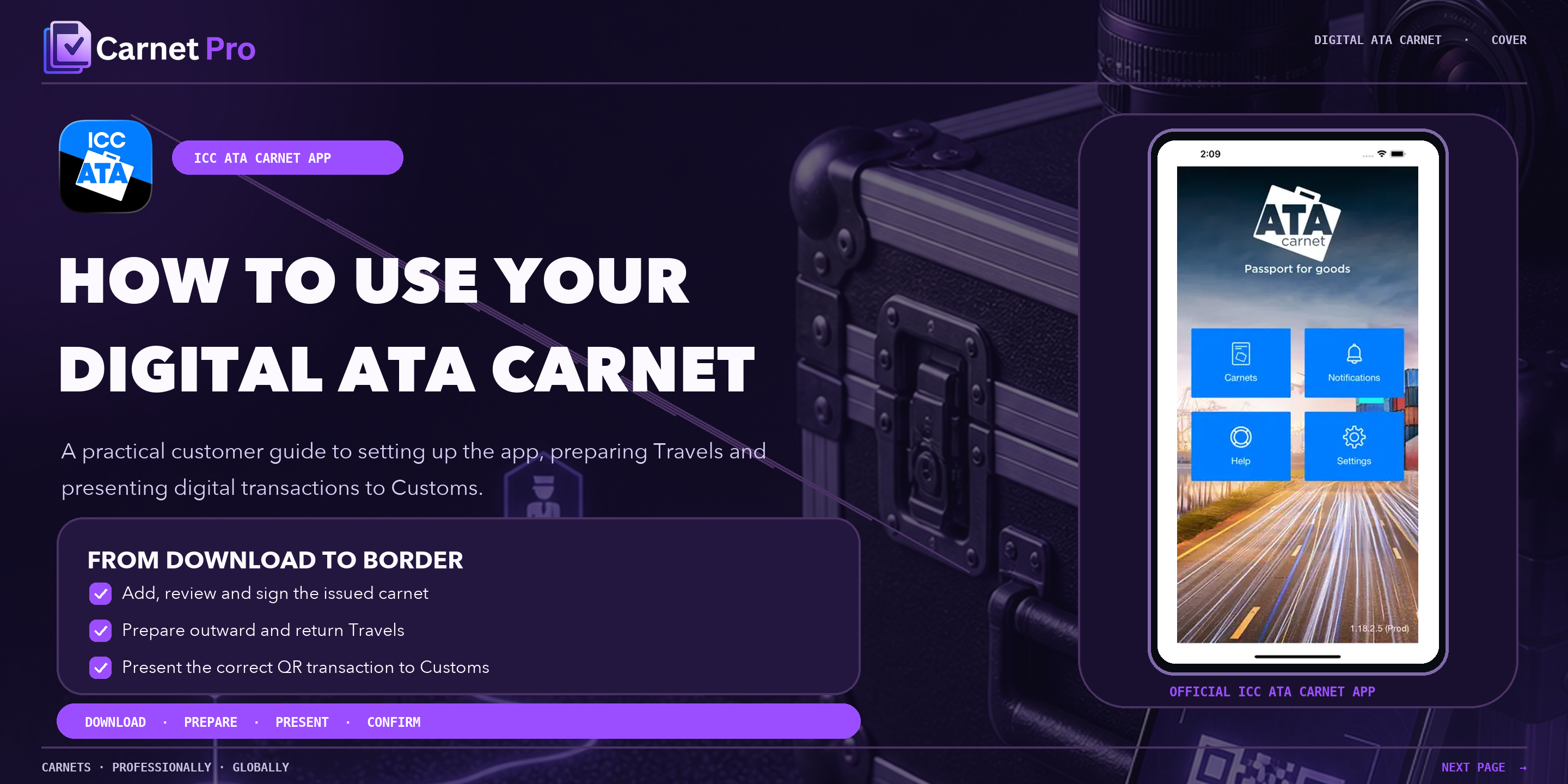
Using a digital ATA Carnet, step by step
1. Download or access the digital carnet
Before you travel, download the official ATA Carnet app and have your Carnet ID, PIN or QR code ready. Keep your itinerary and goods list to hand so you can check them against the carnet.
2. Open the carnet in the ICC ATA Carnet app
Add the issued carnet to your wallet in the app, then review the holder details, validity dates, goods and values. Once you are satisfied everything is correct, sign the carnet in the app.
3. Create a Travel
Open Travels, name the trip, set the route, add your transport details and select the goods travelling with you. Save the Travel and sign it before you reach the border.
4. Present the relevant QR code to Customs
At the border, present the QR code for the relevant Travel so the Customs officer can open the digital carnet and record the transaction.
5. Complete export and import processing
On the outward journey the carnet is activated and validated, the exportation transaction is recorded when you leave, and the importation transaction is recorded on arrival in the destination territory.
6. Complete re-export and re-import processing
For the return leg, create return Travels that reverse the route from the destination back to your home territory and sign them. Customs then record the re-exportation transaction as you leave and the re-importation transaction when you arrive home, closing the journey.
7. If Customs has difficulty processing the digital carnet
Digital handling still varies between border posts. If an officer cannot process the digital carnet, stay at the desk, keep your Carnet ID and QR codes available, and contact the Media Carnets team for ATA Carnet advice so we can help resolve it before you travel on. You can also review which countries accept ATA Carnets and the GMR and ENS port pass requirements for ferry and Eurotunnel crossings.
Need help with a carnet or a mixed digital/paper itinerary?
Get carnet advice